Make 5 AM less negotiable.
Give your child a clear signal for staying in bed, playing quietly, or starting the day.
 woohoo
toddler sleep trainer
woohoo
toddler sleep trainer


Visual sleep trainer for toddlers
Woohoo turns bedtime, early mornings, naps, quiet time, and travel routines into simple visual cues toddlers can follow before they can read a clock.
Give your child a clear signal for staying in bed, playing quietly, or starting the day.
Keep the same familiar cues in hotels, at grandparents’ homes, and during weekend trips.
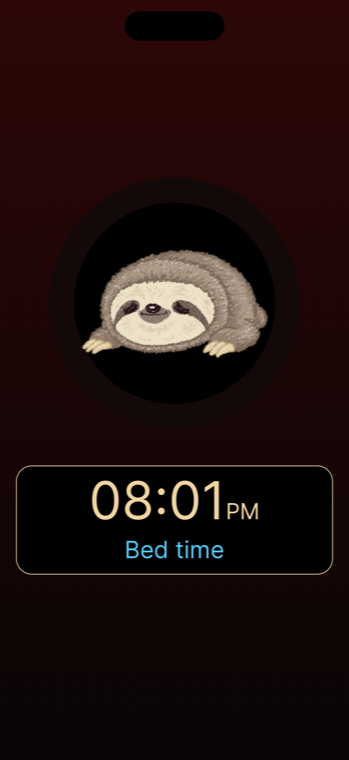
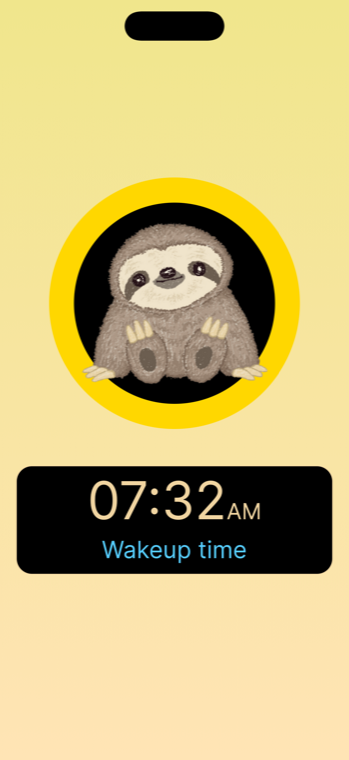
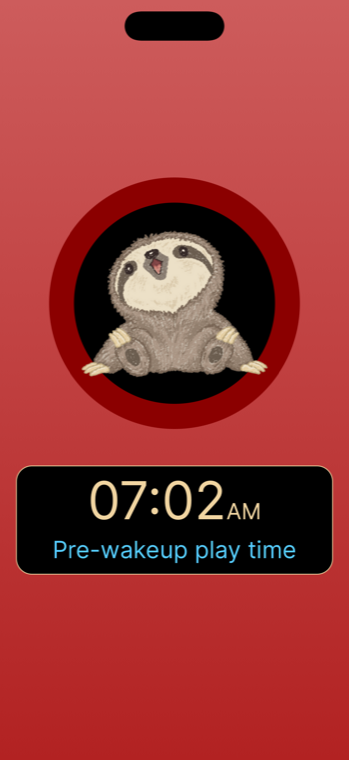
How it works
A quick look at how Woohoo shows bedtime, quiet play, wake-up time, and editable routines inside the app.
Use the included programs as a starting point, then adjust times, colors, images, and names around your child’s real routine.

Keep a consistent look for bedtime, quiet play, wake-up, and nap routines across the devices your family already uses.

How it looks
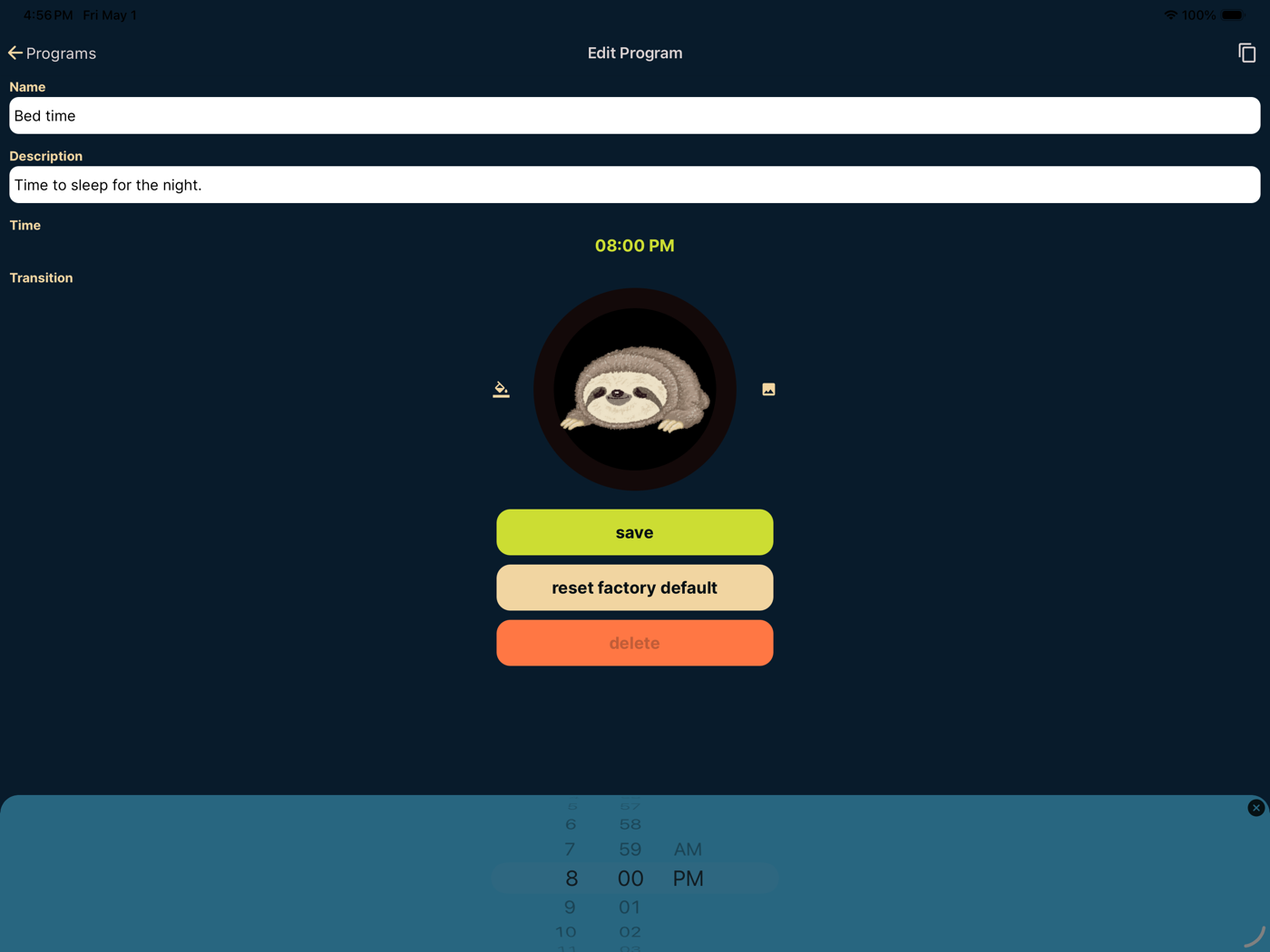
Start with a familiar routine, then tune the included programs to your child’s actual schedule.
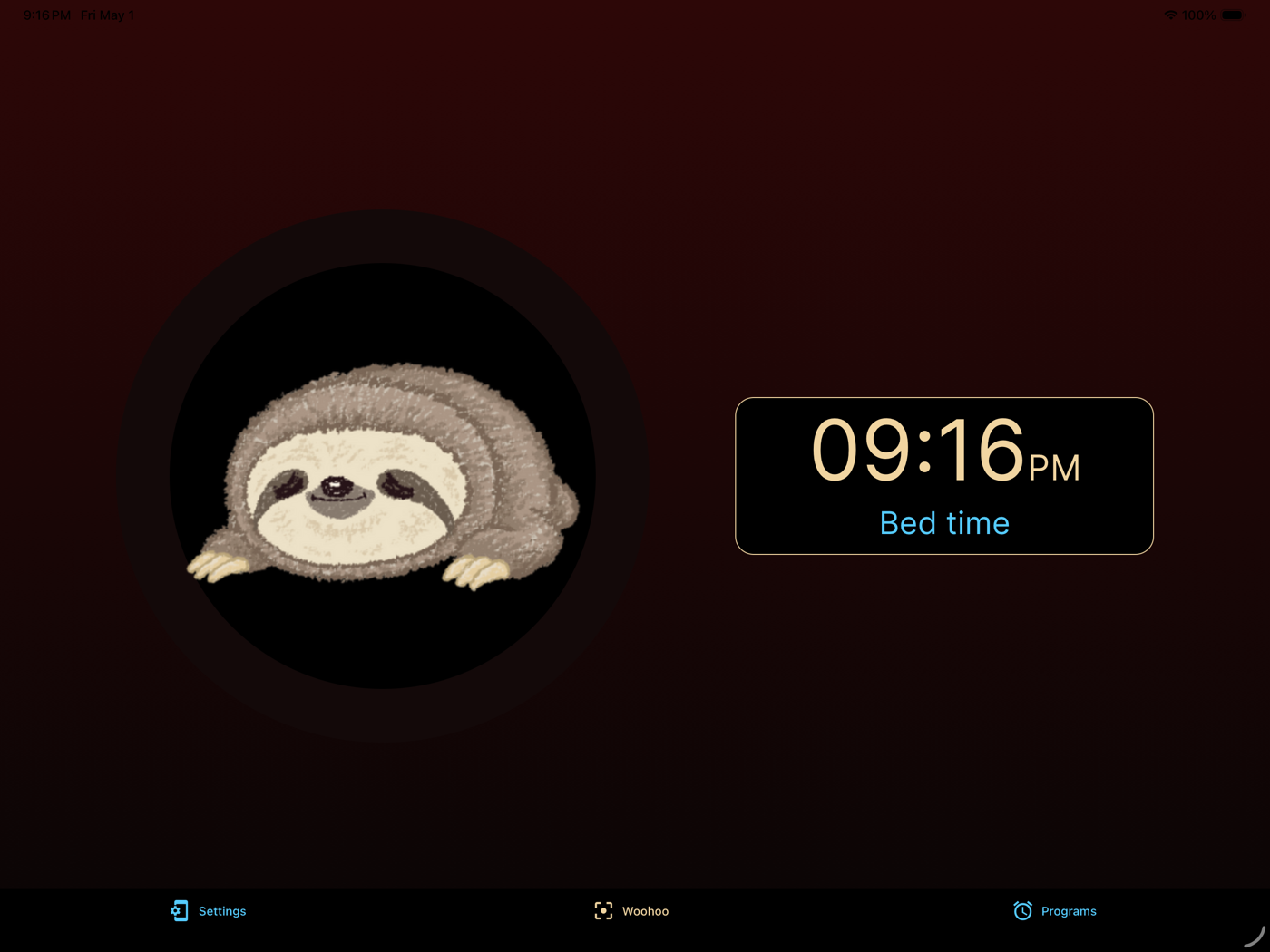
Use a clear, cozy visual state to reinforce that it is still time to stay in bed.
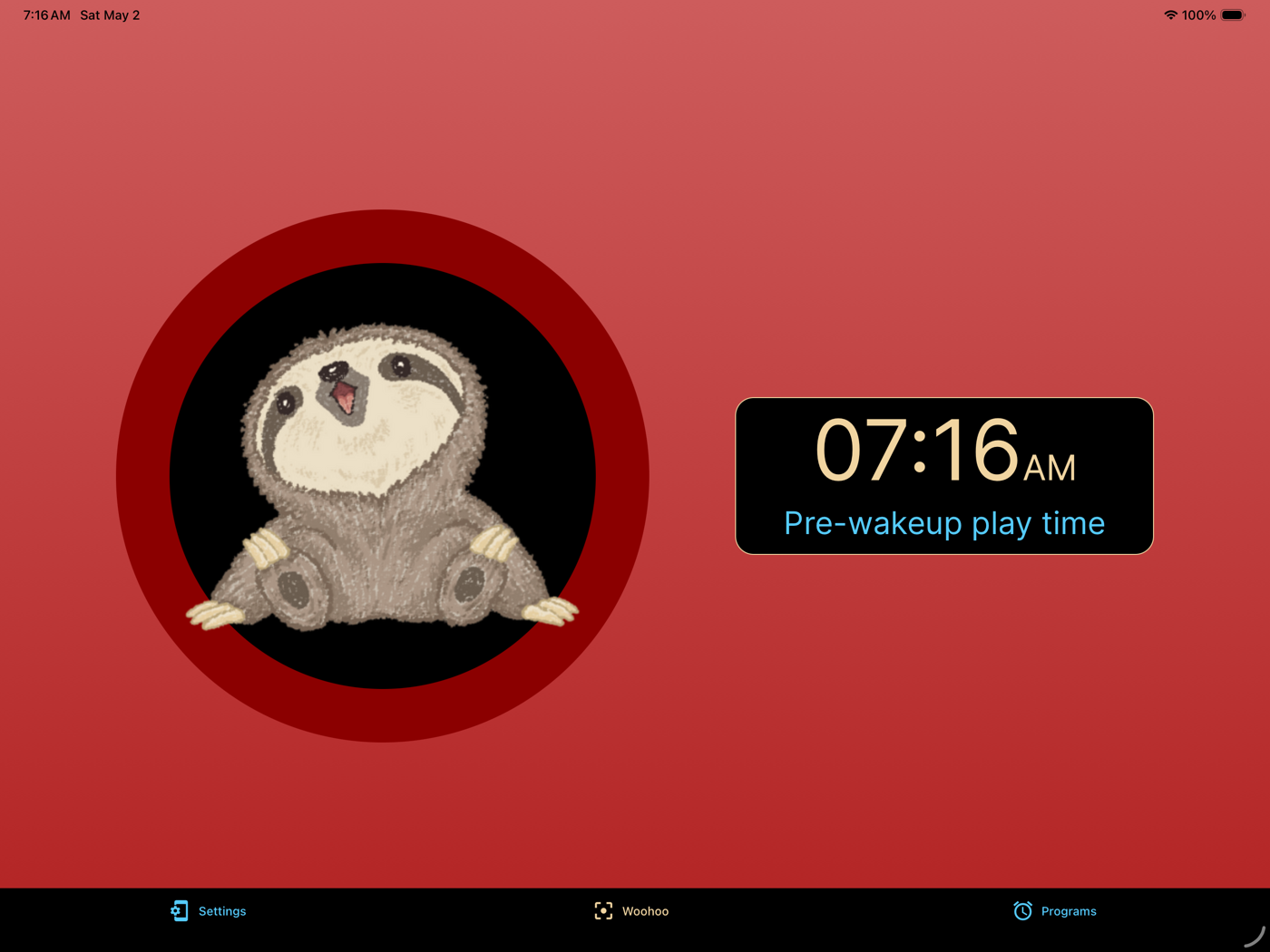
Quiet-play periods help toddlers know there is a middle ground before full wake-up time.
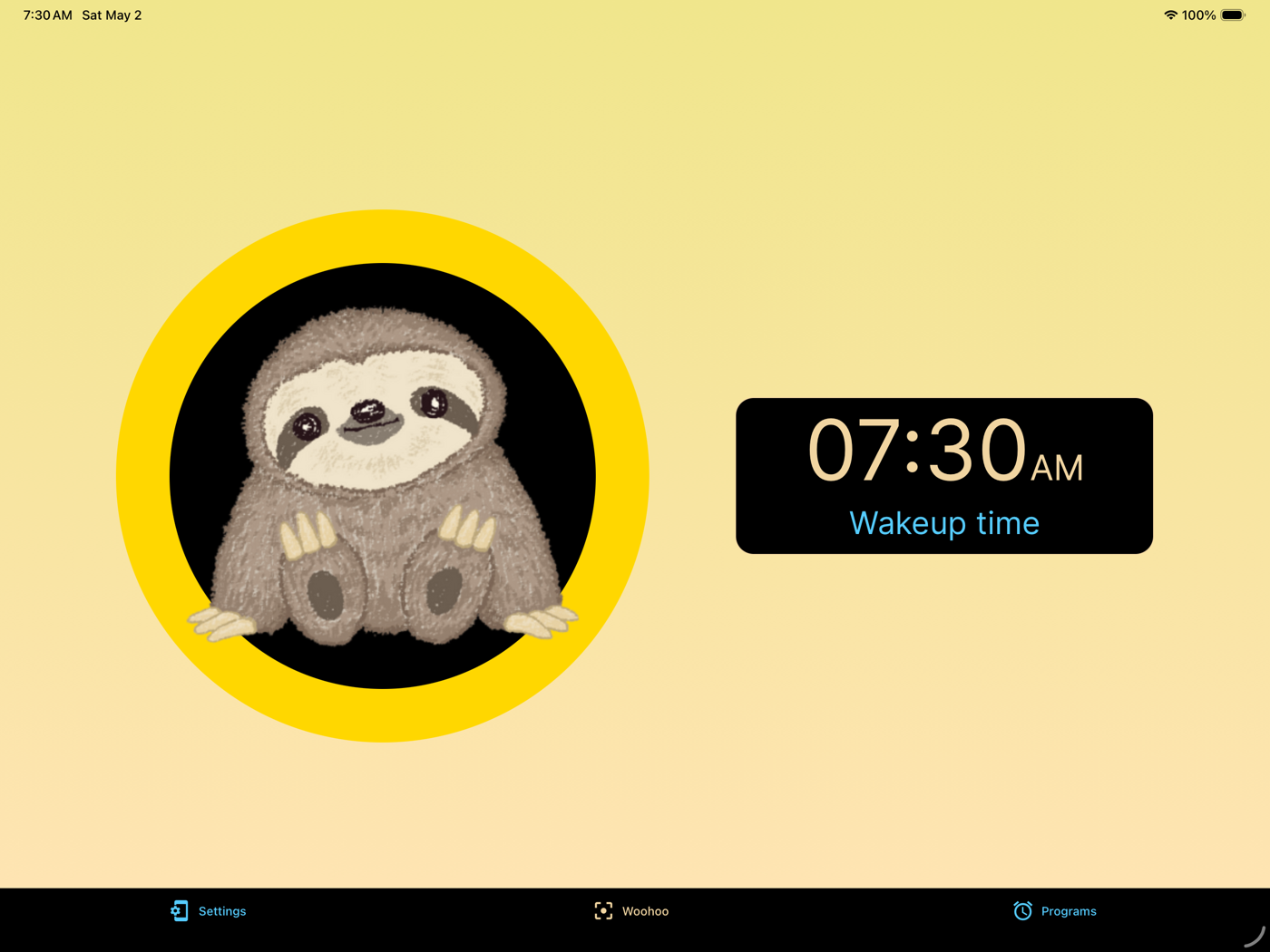
When it is really time, Woohoo makes that transition visible so the morning feels less negotiable.
Woohoo Plus
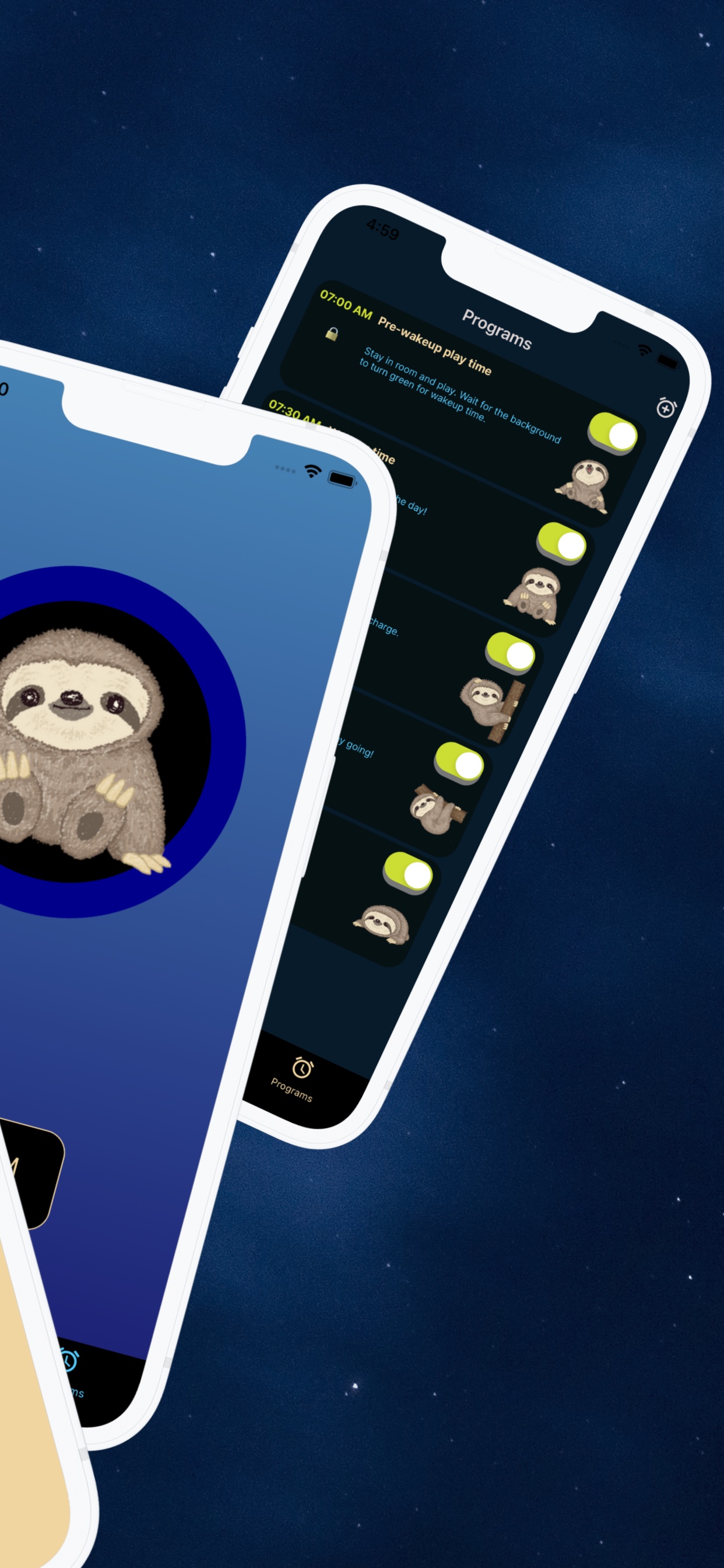
Build around weekdays, weekends, naps, travel, and different caregivers without giving up the simple visual cues your child already knows.
Available now on iOS and Android
Create as many routines as your family’s week needs.
Use rain, fan, ocean waves, shush, white noise, or brown noise.
Adjust Woohoo from another signed-in device when the clock is across the room.
Choose from additional images and colors for each routine.
Simple options
Every paid option unlocks the same Woohoo Plus features.
Monthly
$2.99 / month
Flexible month to month
Best value
Annual
$19.99 / year
One year of Woohoo Plus
Lifetime
$49.99 one time
No recurring subscription
Purchase securely in the App Store or Google Play. Monthly and annual subscriptions renew automatically until canceled in your store account.
Prices shown are U.S. storefront prices and may vary by region.
Free Woohoo stays useful
Free Woohoo still includes the 5 editable default routines and the core visual okay-to-wake clock. If you already created custom routines, they are still yours. You can keep them and edit them.
Woohoo Plus is only needed when you want to add more routines or use Plus features.
FAQ
It gives toddlers a visual signal so they can tell whether it is still bedtime, quiet play time, or finally okay to come out.
Yes. Woohoo is meant to be legitimately helpful for free, with 5 included programs you can edit around your child’s routine.
Yes. Woohoo is especially useful when you want the same bedtime and wake-up cues without packing a separate physical clock.
Woohoo Plus adds extra routines, program sounds, remote routine updates, and more images and colors. Every paid plan unlocks the same features.
No. It can support bedtime, pre-wake transitions, quiet time, naps, and other repeatable routine moments.
Yes. Woohoo is designed so families can edit the included default programs and make them fit their child’s routine.
They remain yours to keep and edit. Woohoo Plus is only needed when you want to add more routines or use Plus features.
Monthly and annual subscriptions are managed through your App Store or Google Play account. Woohoo also includes a Restore Purchases option.
A program can include multiple parts of the routine like bedtime, quiet play, and wake-up. An alarm is just one moment inside that broader routine.
No. That is the point of an okay-to-wake clock: Woohoo uses visual cues so toddlers can understand the routine before they can read time.
Yes. Families can tune the routine so the pre-wake period better fits their child, instead of forcing every morning into one fixed setup.
Free to start. Plus when you need more.
Start using Woohoo for free, then choose Woohoo Plus when your family needs more routines, sounds, remote updates, or customization.